Keyboard
Works out of the box. W/S pitch, A/D roll, Q/E rudder. Space to hand-launch or start your runway take-off.
ZERO SETUP Nanawing 2
Hand-launch a glider or taxi out on wheels. Practise line-of-sight flying with a keyboard or your own RC radio — nothing to install.
Your practice field
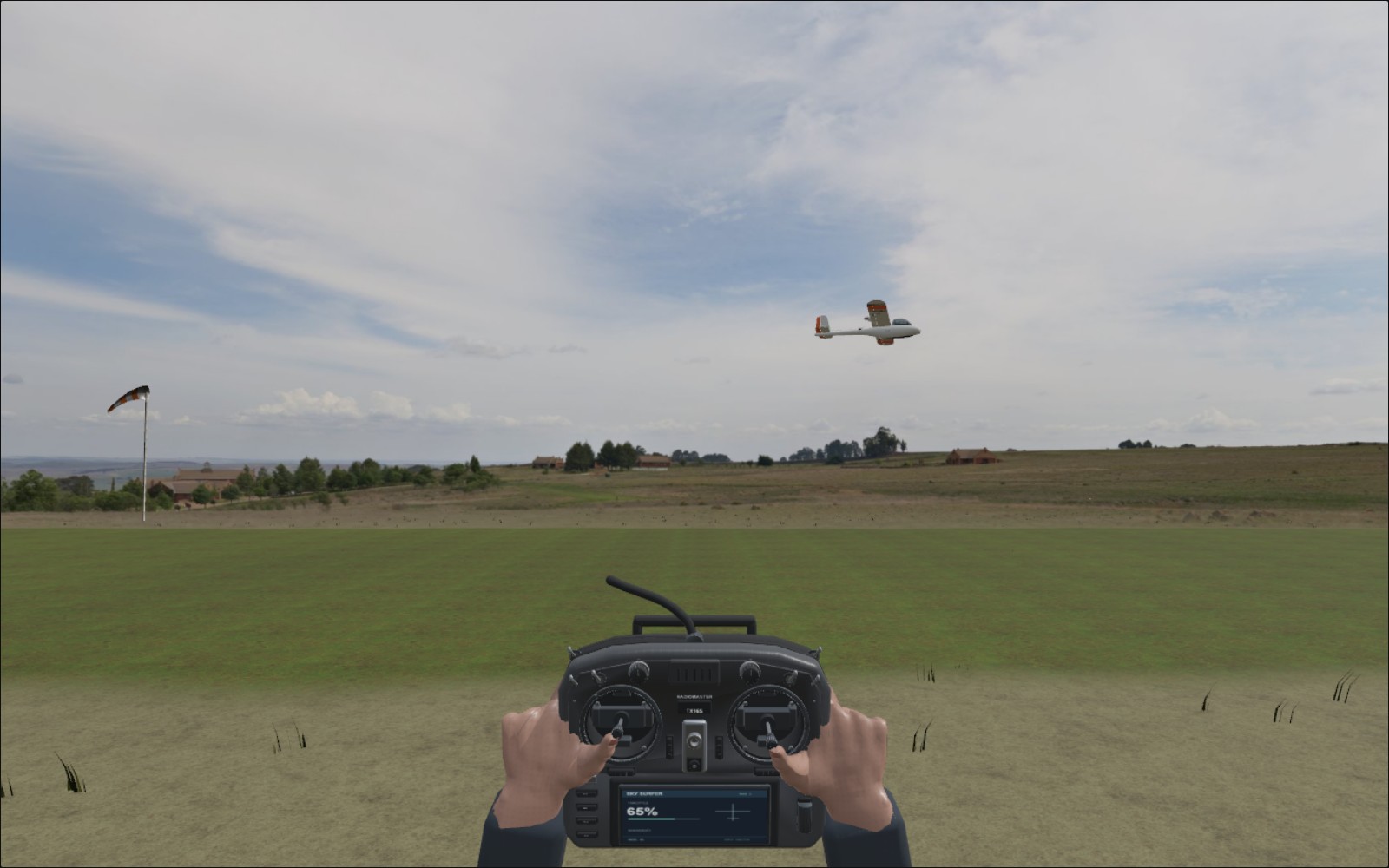
Stand beside the strip and keep your model in sight. Fly a circuit, turn back towards yourself and get used to which way the sticks need to go.
Bring it back
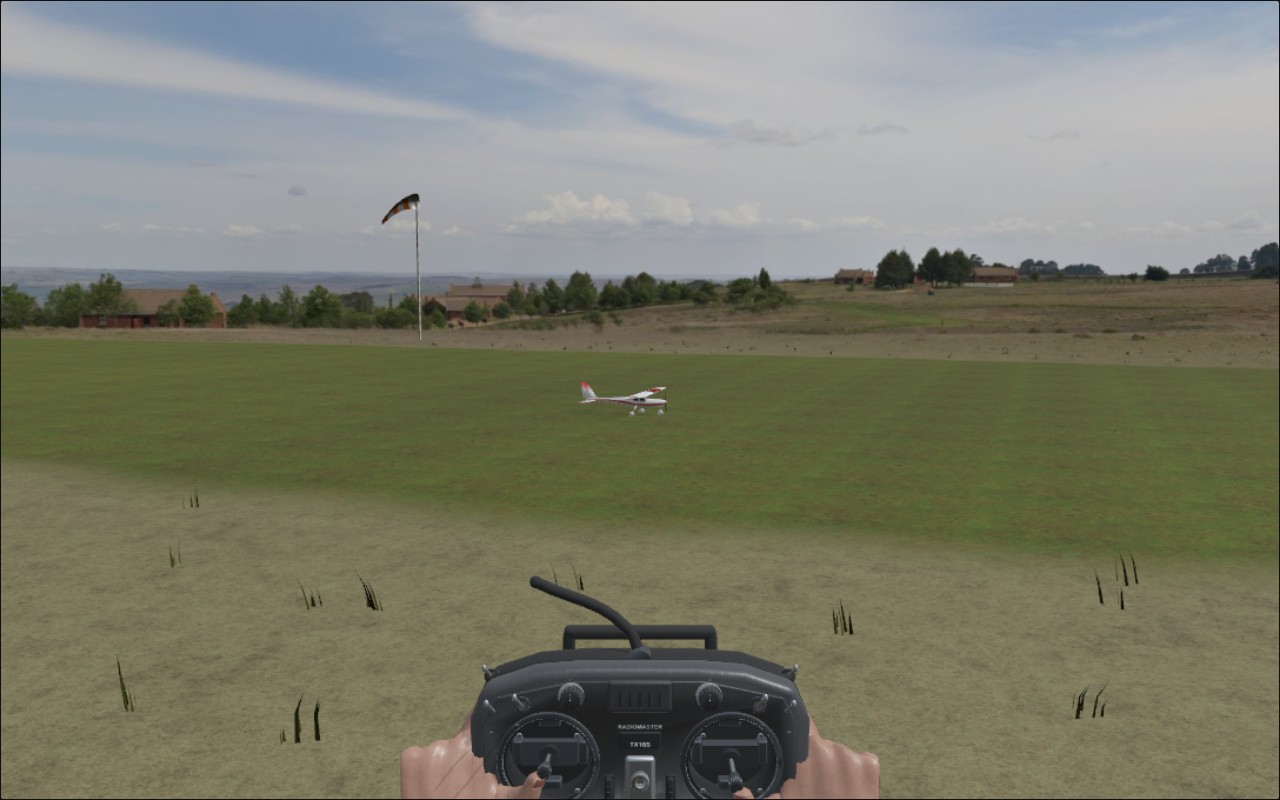
Most of us could use another go at the approach. Bring the model along the strip, flare and see how you did — without a trip home to fix a wing.
Fly with what you have
Works out of the box. W/S pitch, A/D roll, Q/E rudder. Space to hand-launch or start your runway take-off.
ZERO SETUPConnect a compatible controller and map its sticks in Controls. Set the response to suit your thumbs.
GUIDED SETUPPut your radio in USB joystick mode and plug it in. The familiar Nanawing wizard maps your sticks; add trim buttons if you use them.
CALIBRATION WIZARDPick your aircraft
Sky Surfer and Jackdaw are the first-flight choices. Try the gliders and sport trainer as your confidence grows.
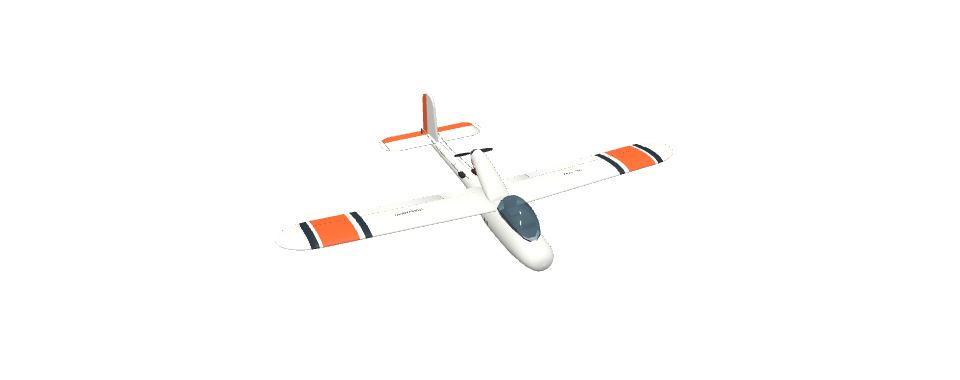
A familiar foam pusher. Start here for orientation, gentle circuits and belly landings.
Fly Sky Surfer X8 ↗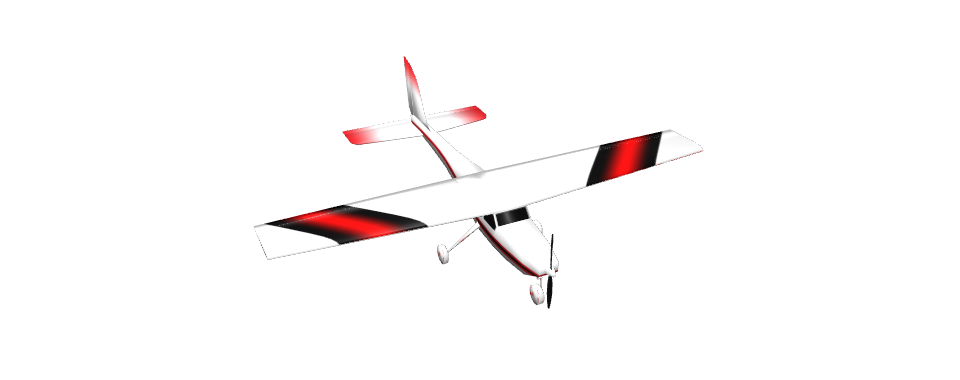
A high-wing trainer with landing gear. Taxi, build speed and lift off along the strip.
Fly Jackdaw ↗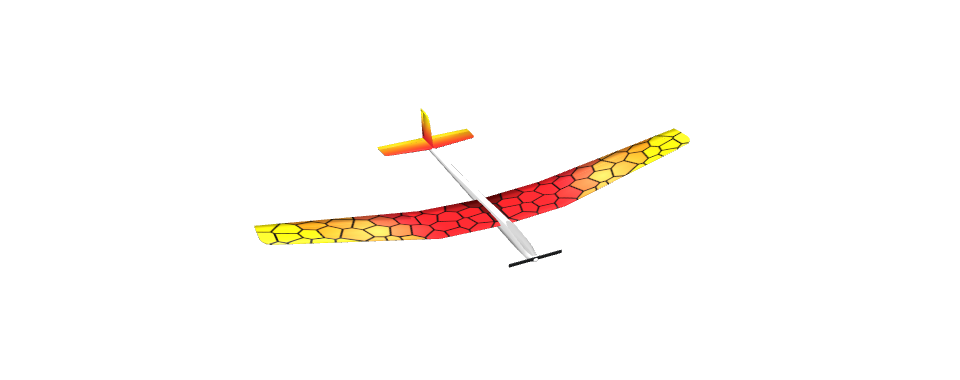
A light two-metre glider. Practise unhurried circuits and power-off approaches in calm air.
Fly Electric Glider ↗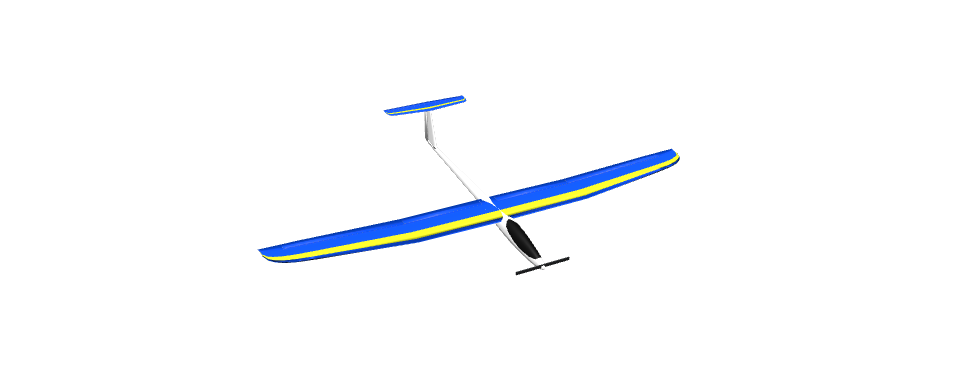
A sport glider for carrying speed through turns and planning longer approaches.
Fly Electric Neoslope ↗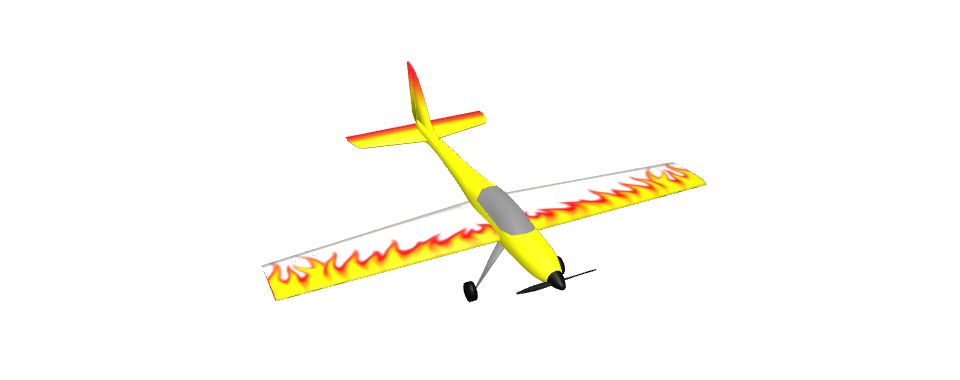
A more responsive low-wing airframe. Move here after mastering the first two trainers.
Fly AcroBat ↗One family. Two ways to fly.
Nanawing 2 is for line-of-sight RC flying: you stand beside the runway and watch the model. Nanawing 1 puts you onboard an FPV wing, exploring an island through its camera.
Same familiar Hangar and radio setup. Different flying days. Both free, with no install or login.
Fly FPV in Nanawing 1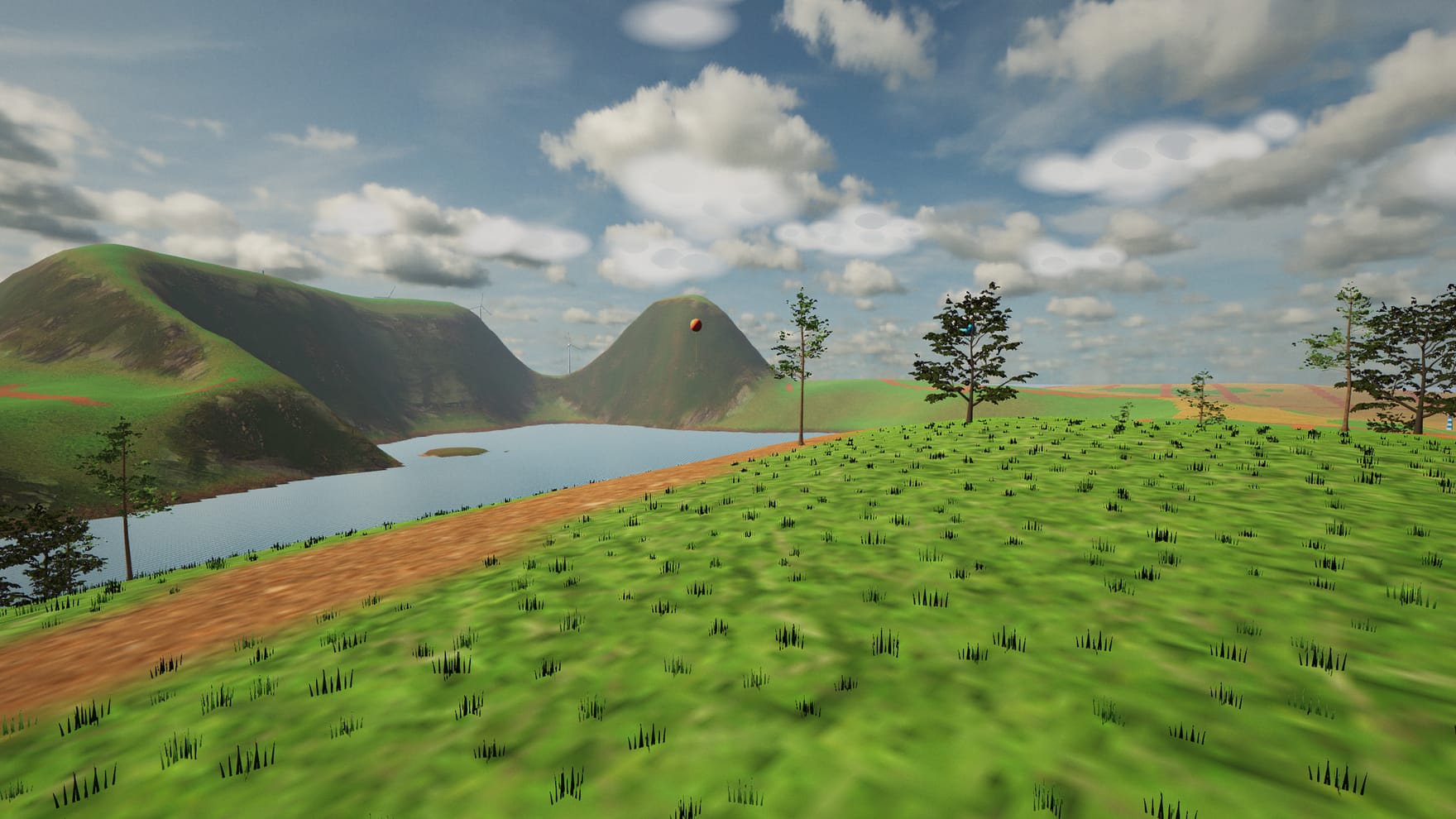
Before you launch

Opening the Hangar…