NANAWING 2 · RC SIM
LINE OF SIGHT · FREE TO FLY
HAND LAUNCH · RUNWAY TAKE-OFF
Nanawing 2

Fly RC planes, free in your browser.

Hand-launch a powered plane or taxi out on wheels. Practise line-of-sight flying with a keyboard, gamepad or USB RC radio — nothing to install.

Launch the simulator No install · No login · Free
Fly on a computer or large tablet with a keyboard, gamepad or USB RC radio. Phone-sized screens can browse the site but can't launch the simulator.
scroll ↓
8 aircraft
a foam trainer, an EDF jet and a lightweight 3D plane
1 flying field
a grass strip, a windsock and room to practise
0 installs
open your desktop browser and fly
0 logins
no account, no ads, no paid aircraft

Your practice field

A runway. A windsock. One more circuit.

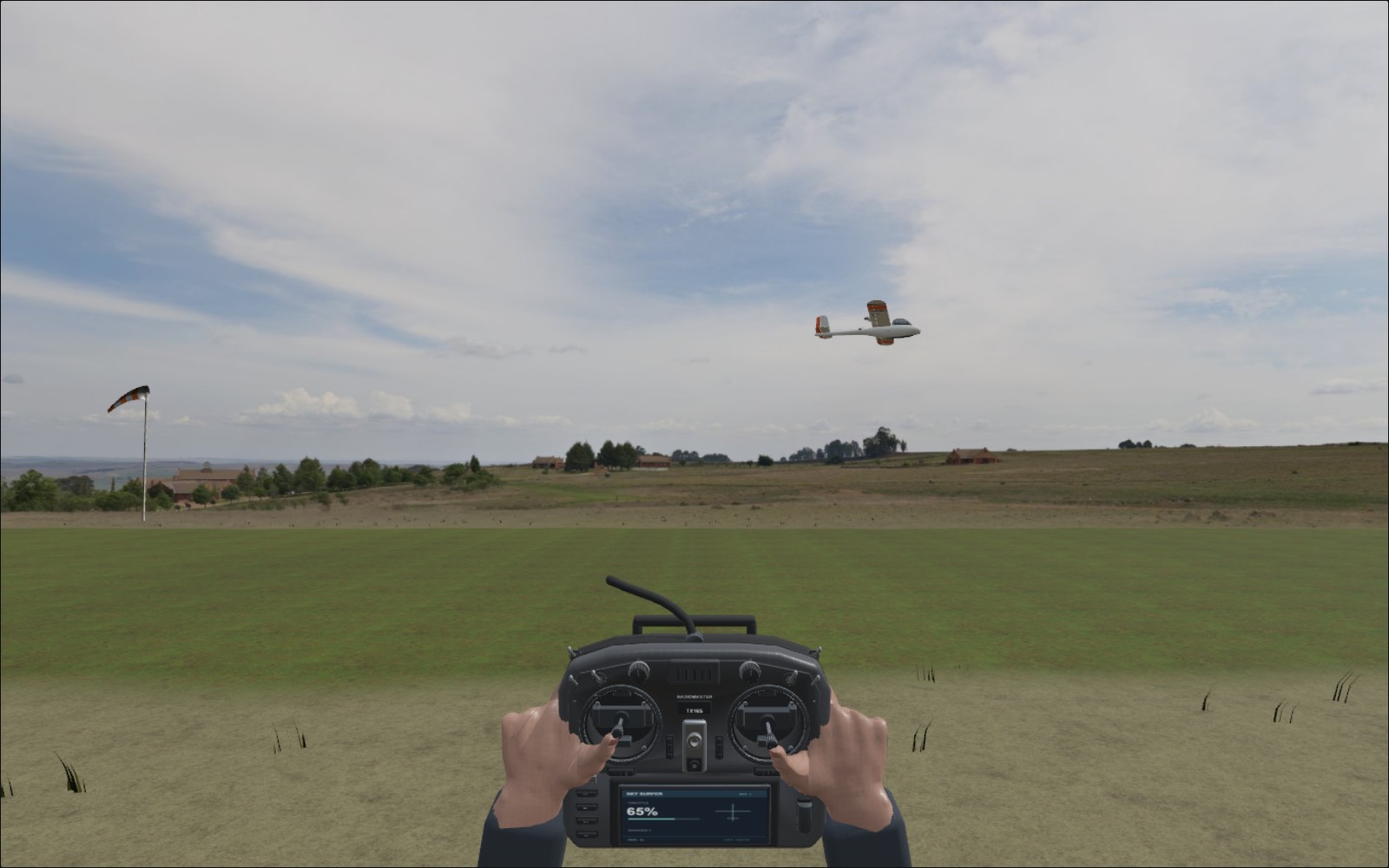
Stand beside the strip and keep your model in sight. Fly a circuit, turn back towards yourself and get used to which way the sticks need to go.

  • A photographic flying field, viewed from the pilot's position.
  • A windsock that follows the same wind your aircraft feels.
  • Optional tracking and zoom to help you keep the model in view.
Sky Surfer passing the pilot at the grassy flying field
The flying field · in-game view

Bring it back

Line up. Ease off. Try that landing again.

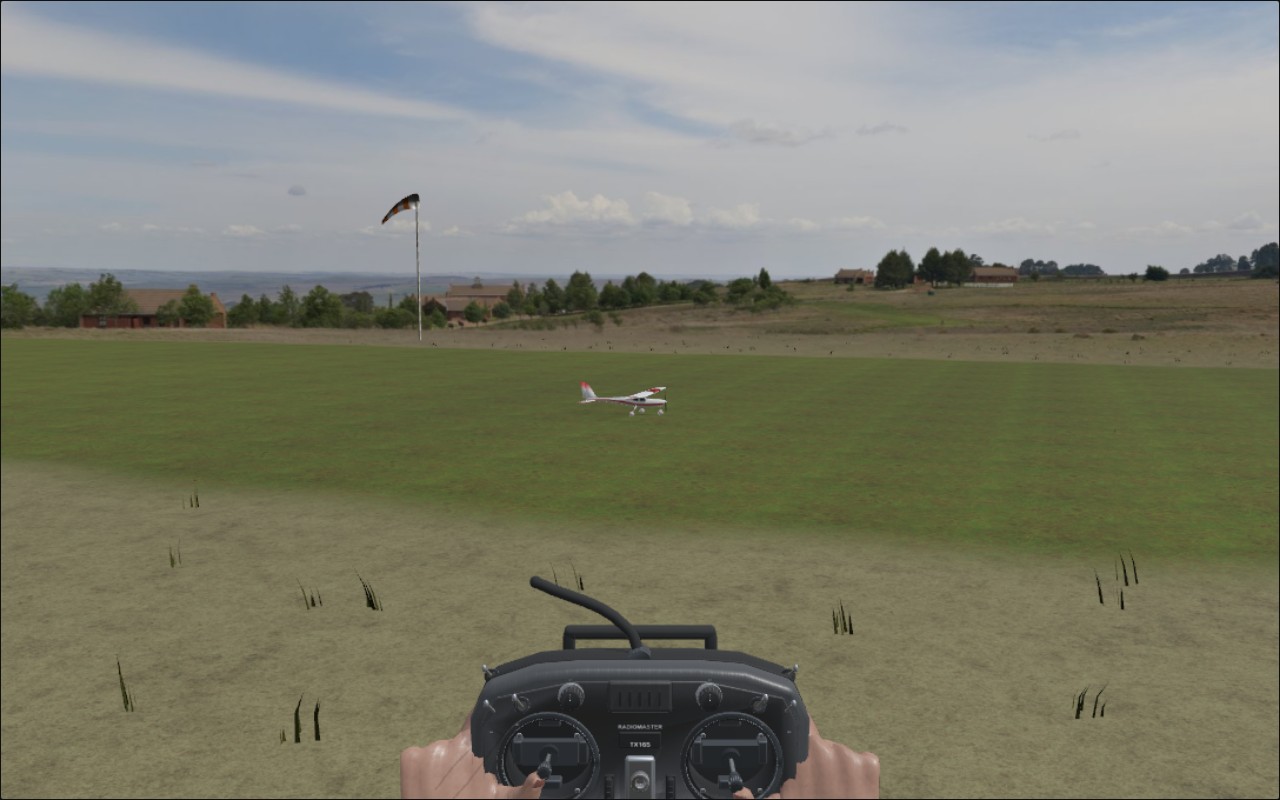
Most of us could use another go at the approach. Bring the model along the strip, flare and see how you did — without a trip home to fix a wing.

  • Hand-toss a powered plane, or build speed on wheels and lift off.
  • Get a plain-English landing report: a clean arrival, a rough one or a crash.
  • Land a runway aircraft safely, then taxi and take off from the same spot.
NanaJet on the grass runway with the pilot's transmitter in view
NanaJet on the strip · in-game view

Fly with what you have

Keyboard, gamepad, or your real radio.

Keyboard

Works out of the box. W/S pitch, A/D roll, Q/E rudder. Space to hand-launch or start your runway take-off.

ZERO SETUP

Gamepad

Connect a compatible controller and map its sticks in Controls. Set the response to suit your thumbs.

GUIDED SETUP

RC radio

Put your radio in USB joystick mode and plug it in. The familiar Nanawing wizard maps your sticks; add trim buttons if you use them.

CALIBRATION WIZARD

Pick your aircraft

Start gentle. Find your next step.

Learn orientation and gentle circuits with Sky Surfer X8. When you are comfortable, try fast passes with NanaJet or slow aerobatics with Nana3D. Eight powered aircraft, from a three-metre sailplane to a compact racer, each with a different way to fly.
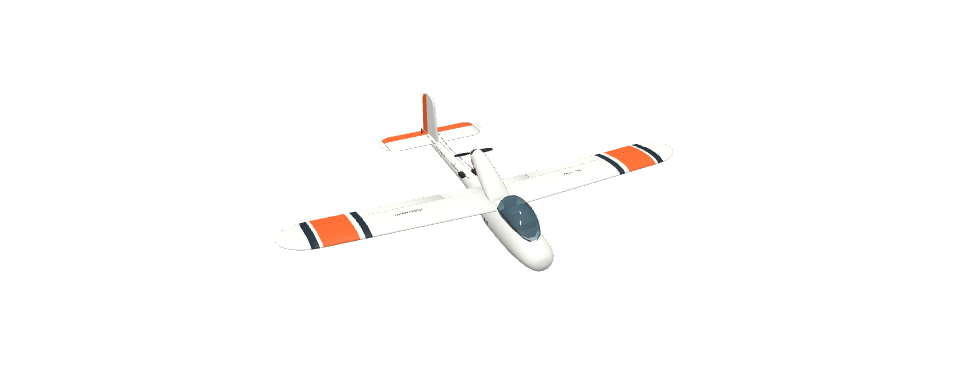
Sky Surfer X8
FIRST FLIGHTS · HAND LAUNCH

Sky Surfer X8

A familiar foam pusher. Start here for orientation, gentle circuits and belly landings.

Fly Sky Surfer X8 ↗
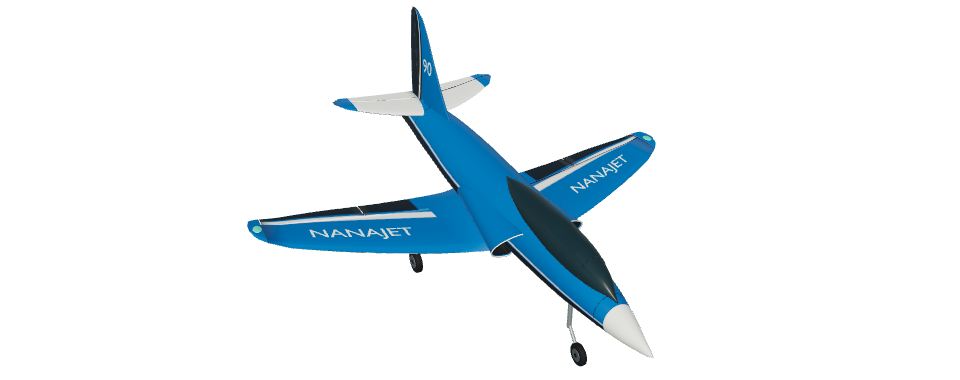
NanaJet, a blue EDF sport jet
EXPERIENCED PILOTS · EDF JET

NanaJet

Retract the wheels, line up a fast pass and hear the fan sweep past. Use flaps for the approach back to the runway.

Fly NanaJet ↗
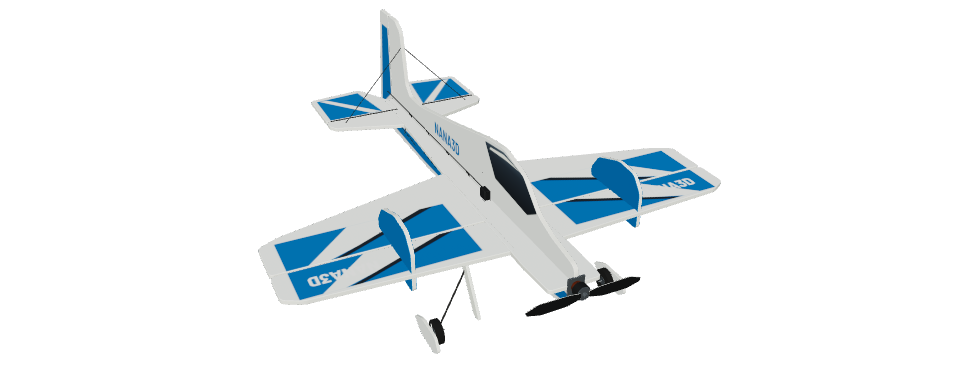
Nana3D, a blue and white profile foam aerobatic plane
EXPERIENCED PILOTS · LIGHTWEIGHT 3D

Nana3D

Slow down, roll over and practise prop-hanging with a small, light foam plane. Large control surfaces make small inputs count.

Fly Nana3D ↗
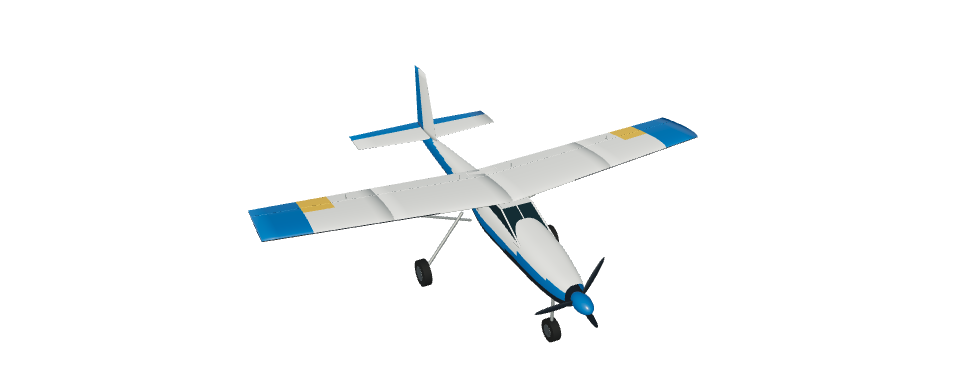
NanaTrainer
HIGH WING · RUNWAY TAKE-OFF

NanaTrainer

A high-wing runway trainer with steerable nose wheel and landing flaps. Practise circuits, gentle approaches and touch-and-goes.

Fly NanaTrainer ↗
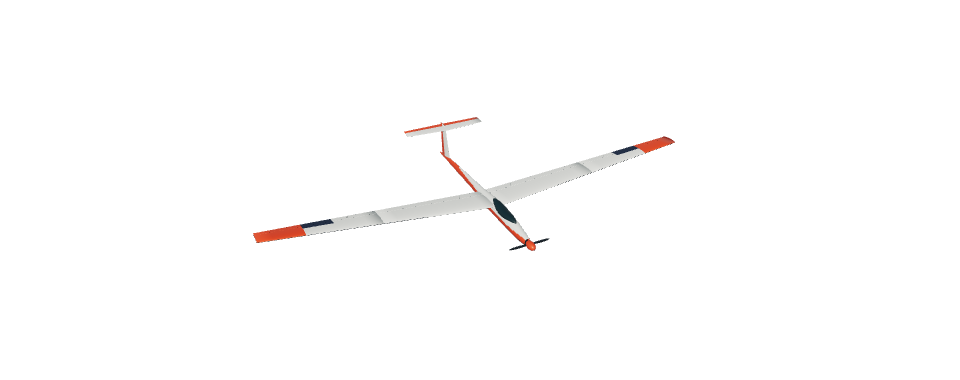
NanaSoar
3 M SAILPLANE · POWERED CLIMBS

NanaSoar

A three-metre electric sailplane with a folding propeller and crow brakes. Climb under power, then practise soaring and quiet approaches.

Fly NanaSoar ↗
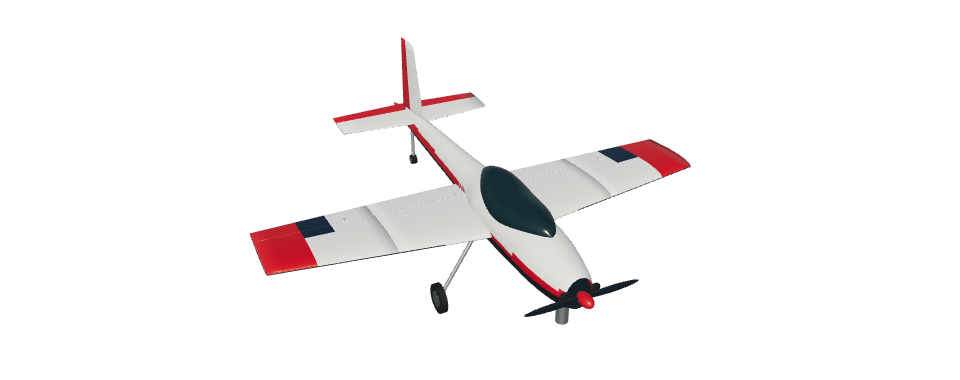
NanaEdge
PETROL AEROBAT · RUNWAY TAKE-OFF

NanaEdge

A two-metre petrol aerobat with a 35 cc engine and tailwheel. Fly flowing loops, knife-edge passes and large aerobatic manoeuvres.

Fly NanaEdge ↗
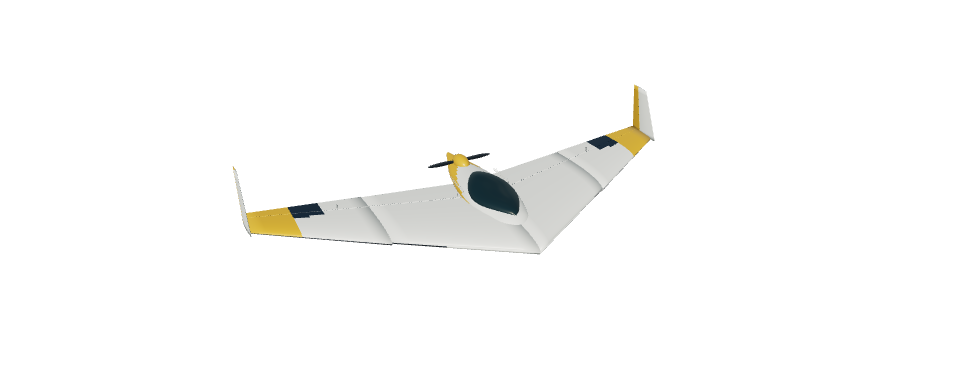
NanaDelta
FLYING WING · HAND LAUNCH

NanaDelta

A broad 1.5 m pusher wing with combined pitch-and-roll elevons. Hand-launch, bank to turn and finish with a smooth belly landing.

Fly NanaDelta ↗
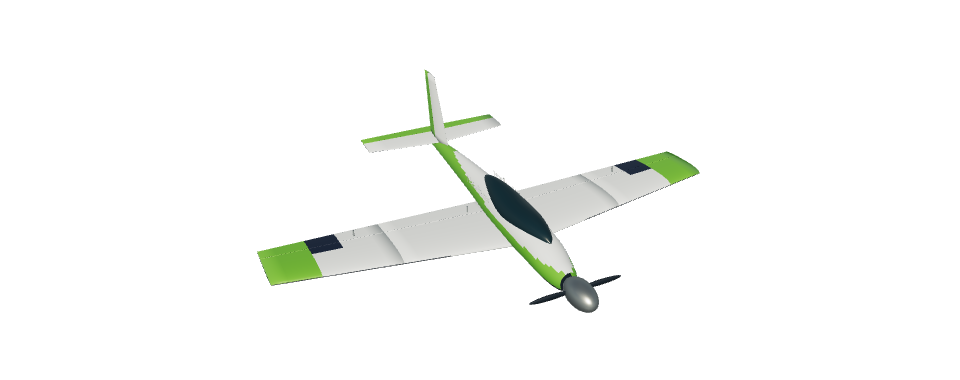
NanaRacer
SPORT RACER · HAND LAUNCH

NanaRacer

A compact four-channel electric racer. Build confidence with broad passes before trying tight racing turns and fast power-off approaches.

Fly NanaRacer ↗

One family. Two ways to fly.

Model in sight, or camera onboard?

Nanawing 2 is for line-of-sight RC flying: you stand beside the runway and watch the model. Nanawing puts you onboard an FPV wing: you fly through its camera over two maps, the Island and the Desert (beta).

Same familiar Hangar and radio setup. Different flying days. Both free, with no install or login.

Fly FPV in Nanawing
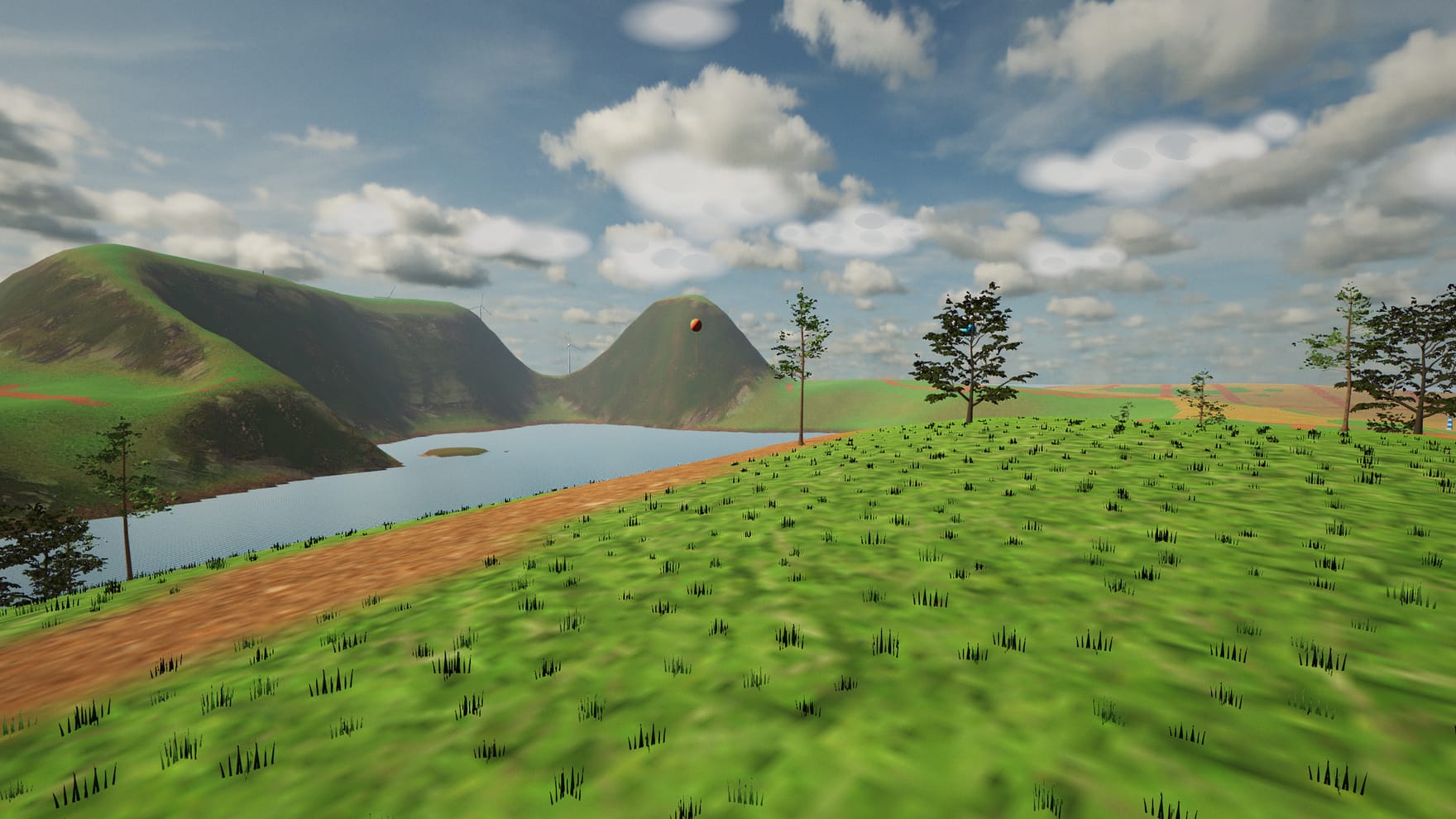
Nanawing's FPV view over its farmland island
Nanawing · FPV wing simulator

Before you launch

Common questions

Is it really free?
Yes. No install, no login, no ads and no paid aircraft. It's a personal project by narenana. Open the Hangar and fly.
Do I need a controller?
No. All four flight controls work on a keyboard. A gamepad or RC radio gives you sticks to practise with; use Controls in the Hangar to set it up.
Can I use my RadioMaster / EdgeTX radio?
Use USB joystick mode, plug it in and follow the calibration wizard. It maps the four flight controls, with optional trim buttons. Compatibility depends on your radio's USB mode and browser.
Can I play offline?
After the first complete online load, the game and aircraft are saved in this browser. Settings shows when offline storage is ready. Keep the browser's site data to keep that offline copy.
Will it work on my phone?
You can browse the site on a phone. To fly, use a computer or large tablet with a keyboard, gamepad or USB RC radio. The simulator won't launch on phone-sized screens, and there are no touch flight controls.
Does it fly exactly like my real model?
It gives you a place to practise orientation, control and approaches. Two flight models are available to compare; tuning and crash estimates are still being refined. It won't predict the exact handling or damage of your own aircraft.
New here? Read the flying guide ↗

Ready? Pick a plane and go.

Launch the simulator

No install · No login · Free to fly

Credits & licences

NANAWING 2

Fly on a larger screen

Fly on a computer or large tablet with a keyboard, gamepad or USB RC radio. The simulator isn't available on phone-sized screens.

On a tablet? Turn it sideways or leave split-screen view, then try again. On a computer, make this window larger.